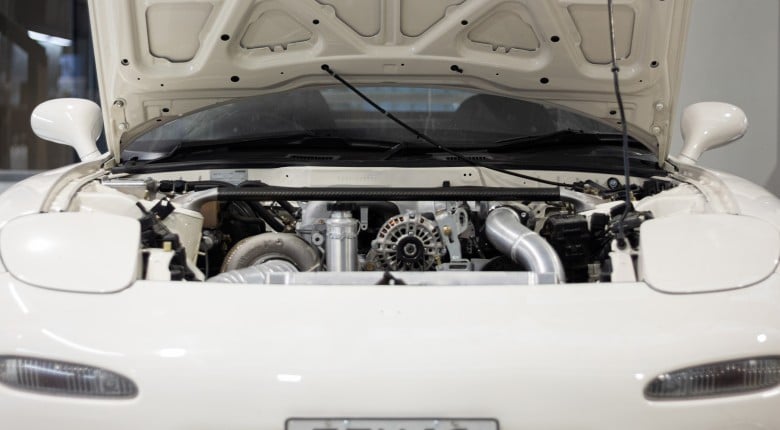
'Just another 3D printer' or is SLS actually a way to print detailed parts that might otherwise be near impossible to produce?
Selective laser sintering (SLS) is not just “another plastic 3D printer”. It is powder bed fusion that lets you build nylon parts without support structures, with near isotropic strength and a surface finish that looks more like a sand cast texture than stacked layers.
In this walkthrough with Derek Manson at FI Additive, you will see how SLS builds PA12 nylon parts layer by layer in a 3D Systems 6100, why the powder itself acts as the support, and how that changes what you can design, including internal cavities and complex ducting that would be difficult to de-support on fused deposition modelling (FDM) or fused filament fabrication (FFF) parts.
You will also learn practical workflow details that affect part quality and printability, including why STEP files are preferred over STL, how orientation can make thin walls printable, and what happens after the print finishes, including cooling to avoid distortion, powder recycling, de-powdering, and post processing options like vapor smoothing, dyeing, epoxy coating, paint, and heat set inserts. The discussion also covers how SLS compares to metal selective laser melting (SLM), why metal still needs supports and a build plate, and where multi jet fusion (MJF) sits in relation to SLS.
--------------------
TIMESTAMPS:
0:00 - What SLS Means
0:15 - Why Not FDM Or FFF
0:38 - Powder Bed Fusion Basics
1:50 - Materials | PA12, PA11, PA6, TPU
2:52 - Heat Deflection And Temps
3:48 - Strength And Surface
4:33 - No Supports Advantage
5:01 - Nesting And Workflow
6:02 - Complex Internal Geometry
6:41 - STEP Vs STL
7:34 - Orientation And Wall Limits
8:41 - Cooling And Powder Recycle
9:33 - Post-Processing Options
10:54 - Inserts And Threads
11:40 - Speed | One Vs Many Parts
12:52 - SLS Vs Injection Moulding
13:26 - Fast CAD Changes
14:06 - Inside The Machine
15:32 - Recoater And Platform
16:00 - SLS Vs SLM
17:37 - SLS Vs MJF
18:40 - Manual Controls
19:32 - Build Extraction
20:35 - Clean Surfaces
21:01 - 3D Scan Repair
21:30 - Where To Find FI Additive






Comments
No one has commented on this page yet.