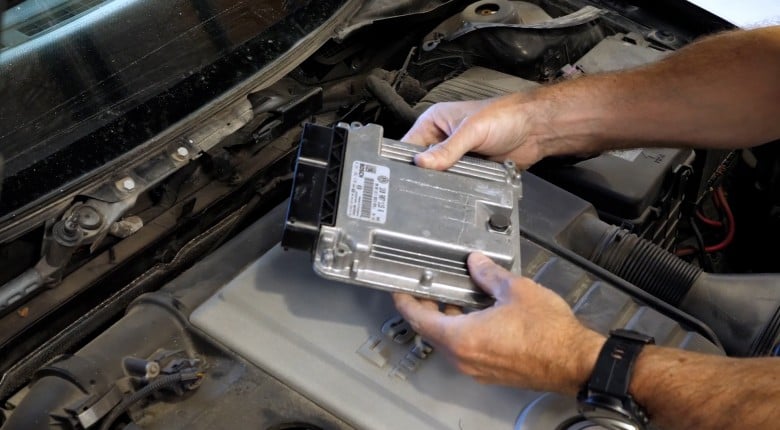
Bosch's EDC family is one of the most widely used diesel engine management systems in the world, fitted to everything from passenger cars to commercial vehicles. If you drive a diesel from Volkswagen, Audi, BMW, Mercedes-Benz, Ford, Land Rover, Jaguar, Opel, Fiat, Renault or Hyundai, there is a strong chance there is a Bosch EDC controller under the bonnet. When set up correctly and in the hands of the right diesel tuner, it can deliver significant power and performance even with limited physical modifications, but getting there starts long before any tuning changes are made.
Before a calibrator can work with an EDC file, someone has to build an accurate definition -- identifying the relevant tables, understanding what each one controls, and mapping out how they interact. Whether you're using software like ECM Titanium or our personal choice, WinOLS, open a Bosch EDC17 file without that understanding and the maps are essentially meaningless. You might be looking at the right table and not know it, or defining something that has no effect on the output you're trying to control.
In this article, we'll walk through the EDC (Electronic Diesel Control) logic flow from driver demand through to injector on-time, covering the key tables involved at each stage, how they interact, and where to focus your attention when identifying and defining maps on a Bosch EDC-equipped diesel.
In this article: EDC Controller Generations | Driver Requested Torque | Torque Limitation | Torque to Fuel Mass Conversion | Smoke Limitation and FMA | Thermal Limitation Tables | Start of Injection | Inlet Charge and Boost Control | Rail Pressure | Injection On-Time | How To Use This Knowledge
EDC Controller Generations
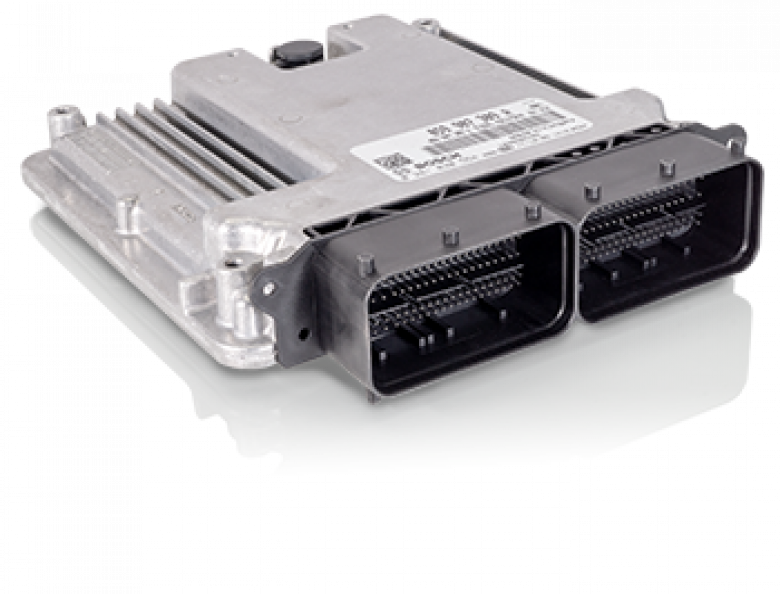
The EDC family has been in production since 1986, when Bosch began volume production of the first generation Electronic Diesel Control system for passenger cars, extending it to commercial vehicles from 1989. Development work had begun earlier still, with Bosch first outlining the concept in 1980 as a way to move beyond the limitations of mechanical diesel injection systems, which could no longer meet the growing demands for efficiency, emissions control, and power delivery. That first generation, known as EDC-I, replaced the mechanical control governor with an electromagnetic actuator, enabling more accurate fuel metering and timing adjustments based on real-time engine data. From there the family evolved through several intermediate generations before arriving at the EDC15, EDC16, and ultimately the EDC17 that remains in widespread use today.
While the fundamental purpose of the ECU remains the same across the family, there is an important architectural difference between generations that you need to be aware of before opening any maps. The EDC15 and all earlier controllers are built around an injection quantity-based control strategy. The EDC16 and all later controllers, including the EDC17, switched to a torque-based model instead.
| Generation | Approx. introduction & applications | Key features |
|---|---|---|
| EDC I | 1986; rotary distributor pumps, passenger cars | First electronic governor; replaced mechanical fly-weight governor; closed-loop fuel-quantity control; improved emissions and performance. |
| EDC 15 | Late 1990s; early common-rail engines | Microprocessor-controlled ECU; injection-quantity-based mapping; integrated immobiliser and CAN bus; OBD-II diagnostics. |
| EDC 16 | Early 2000s; Euro 3/Euro 4 | Torque-based model for better integration with vehicle systems; 32-bit processing; multistage injection; integrated EGR, turbo and DPF control. |
| EDC 17 | Mid-2000s onward; Euro 5/Euro 6 | Controls injection, EGR, boost and after-treatment systems; scalable computing power and advanced torque-based logic. |
This distinction matters because it affects how the ECU interprets driver demand and how the various tables interact with each other throughout the logic flow, and of course means that in different generations you are looking to define different tables too. The content in this article covers the EDC family at a higher level before diving into content more specific to the EDC17, which is covered in a step by step example in HPA's course material mentioned below.
Driver Requested Torque Tables
The starting point for the EDC logic flow is the driver's wish table, which Bosch refers to with a longer label rather than a short acronym. In some cases there will be multiple versions of this table, either one per gear or one for each available drive mode.
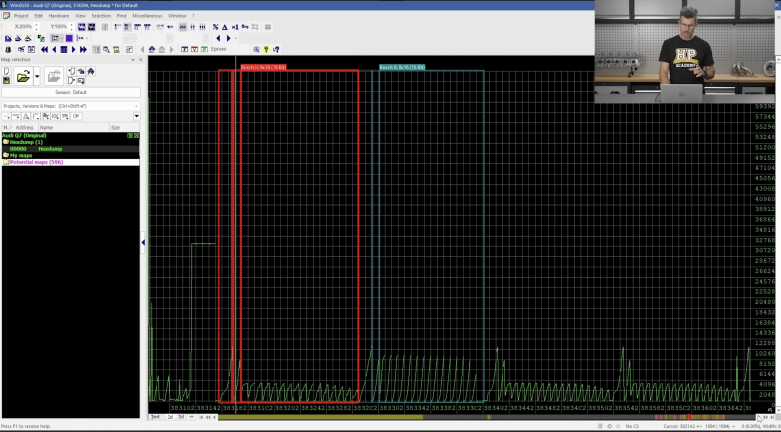
These are 3D tables with relative pedal position on the X axis and engine RPM on the Y axis. The Z axis is the torque request, expressed in Newton metres. This is worth noting because it differs from the relative torque values used in Bosch's gasoline ME and MED controllers.
The RPM axis typically runs from 0 to 8192 as a raw value and can be scaled using a factor of 81.92 to arrive at the actual RPM. In the EDC17 specifically, you may need to divide the raw RPM value by 2 or by 0.2 depending on the specific version of the controller -- the original numbers in the table will guide you on which scaling applies. The torque value on the Z axis needs to be divided by a factor of 10 to scale it correctly to Newton metres.
When working through these tables it is worth paying attention to the raw values in each one. Tables with significantly higher raw values are typically the ones the ECU operates from under normal driving conditions. Tables with much lower raw values are generally reduced-demand modes such as limp home or traction-limited operation, and are not the primary target for definition work.
Torque Limitation in Bosch EDC ECU
Once a torque request is established, the ECU passes this through a series of torque limitation tables before acting on it. The way this is handled depends on the generation of controller you are working with.
On basic early EDC controllers, torque limitation uses a limited number of 16x1 or 33x1 tables with RPM on the X axis and the torque limit value in Newton metres on the Z axis. Later controllers introduced more sophisticated limiting structures. In the EDC16 this table is referred to as CoEng_trqLimAP_MAP and in the EDC17 as EngPrt_trqLim. These are 4x24 tables with RPM on the X axis, barometric air pressure on the Y axis, and torque on the Z axis. On vehicles with multiple gears, you may also find separate torque limit tables for each gear.
There is also a single value torque limit Tra_trqInMax_C which can be easy to miss and is a common source of frustration during map definition when overall torque does not respond as expected. On most automatic-equipped vehicles there will be one of these single value limiters for every gear. Some controllers also include a specific torque and RPM limitation for reverse gear -- the Volkswagen Amarok is one example of this.
Torque to Fuel Mass Conversion
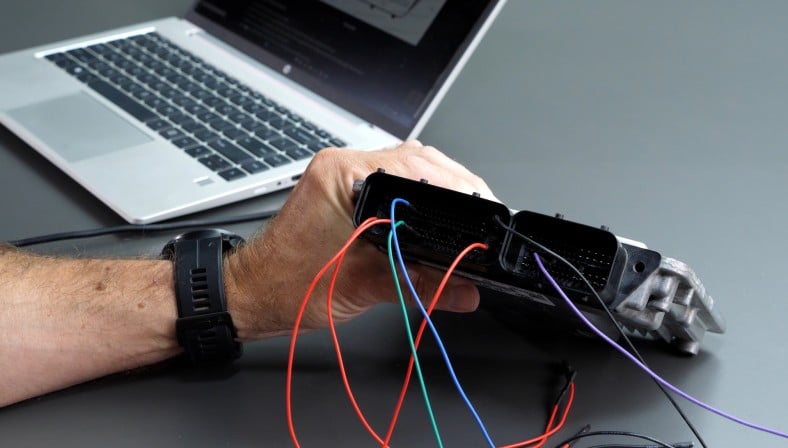
Once a final torque value has been calculated after all limitation tables have been applied, this value becomes the input to a series of torque to fuel mass conversion tables. These are commonly referred to as NM conversion tables and are often labelled CnvSet_trq2 in the EDC17.
The role of these tables is to convert the torque request into an injection quantity value representing the amount of fuel the injectors need to deliver, expressed in milligrams per cycle. The tables use RPM on the Y axis and torque on the X axis. As with the torque limitation stage, there will typically be multiple tables here rather than a single one.
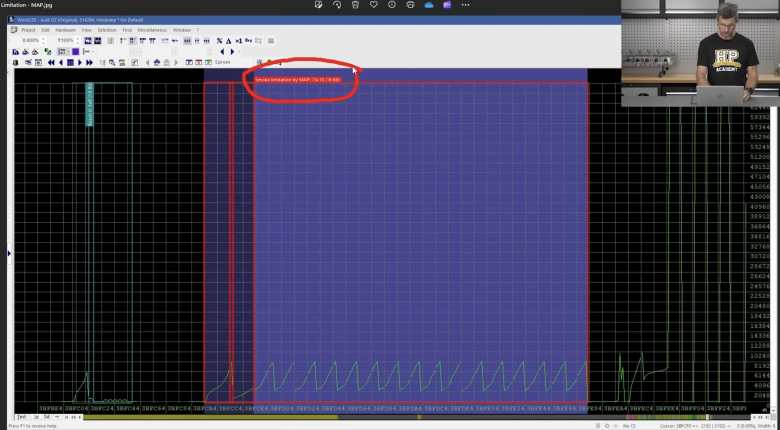
Smoke Limitation and Fuel Mean Amount
The injection quantity value output from the NM conversion table may then be limited by the smoke limitation table before the ECU arrives at a final calculated injection quantity. The axis layout for this table will either use lambda and air mass or maximum injector quantity and air mass -- both approaches achieve the same outcome of preventing excessively rich combustion that would result in visible smoke.
At this point the ECU has established what is referred to as the Fuel Mean Amount, or FMA. This is the final calculated injection quantity, but before it is acted on it passes through a further set of limitation tables tied to thermal conditions and other operating parameters.
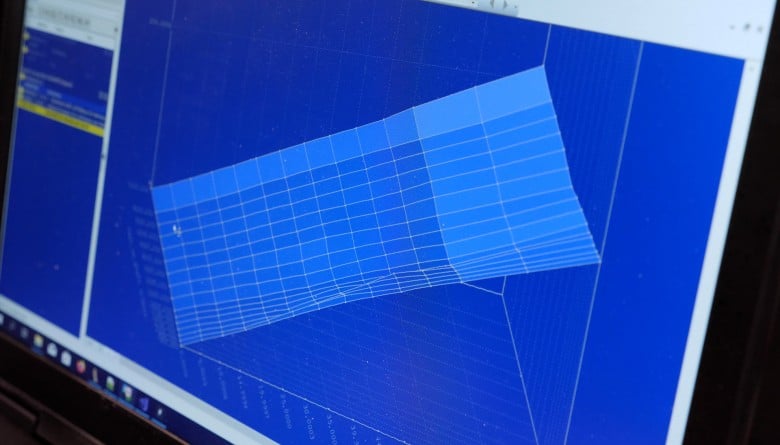
Thermal Limitation Tables
The FMA value passes through limitation tables covering intake air temperature, engine coolant temperature, oil temperature (for both engine and gearbox in some cases), exhaust gas temperature, and in some instances actual road speed.
These tables use a consistent scaling approach. In areas where no reduction is required, the Z axis value will be 8192. Dividing 8192 by 8192 gives a multiplier of 1.00, meaning no change is applied to the FMA. As thermal loads increase, the Z values reduce, which reduces the multiplier and therefore reduces the final fuel value to protect the engine. For example, a Z value of 7000 divided by 8192 gives a multiplier of approximately 0.85, resulting in a 15% reduction in fuel quantity.
Start of Injection
Once any thermal limitations have been applied to the FMA, the value feeds into the start of injection tables InjCrv_philBas. There can be more than 40 variations of these tables covering different operating conditions including cold start, diesel particulate filter regeneration events, high temperature operation, and more.
The start of injection tables are notable for using Z values that cannot be derived from logical or binary scaling. For Volkswagen and Audi Group vehicles, the raw values need to be divided by 42.6. For all other applications we've encountered, the divisor is 31.
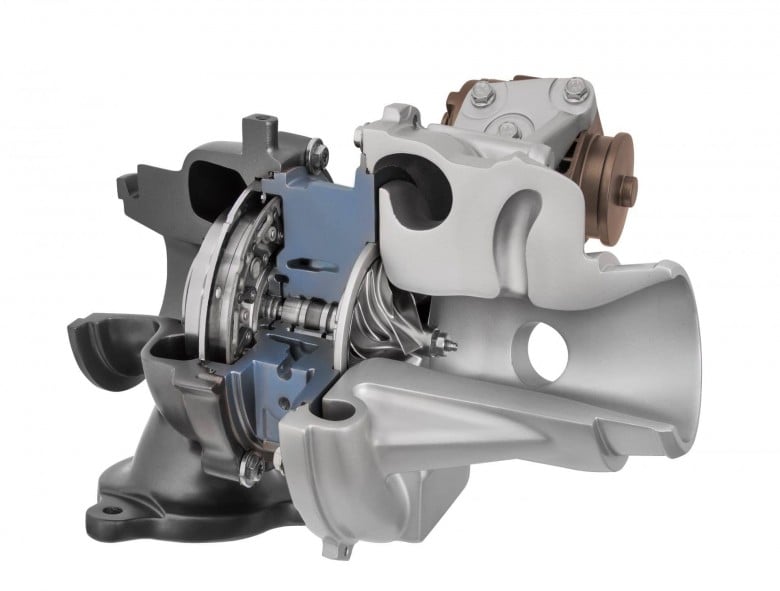
Inlet Charge and Boost Control
The inlet charge calculation runs in parallel with the FMA calculation rather than in sequence with it. The target charge pressure tables are labelled PCR_pBDesBas and in most cases you will find both minimum and maximum versions, with the maximum tables being the primary target for adjustment. These are typically 16x16 tables, though this can vary slightly between controllers. The Y axis is RPM, the X axis is requested injection quantity, and the Z axis is charge pressure expressed as an absolute value in millibars.
Limitation tables for charge pressure include a barometric pressure limiter and a single value charge pressure limit. There is also a correction table for air density, which is typically derived from a MAF sensor calculation. This correction accounts for the fact that at lower intake air temperatures, air density is higher and less charge pressure is needed to achieve the same air mass charge. The ECU uses this to reduce the target boost pressure in colder conditions.
Once a final charge pressure target has been calculated, the ECU uses the base VNT set point tables PCR_rCtlBas to achieve it. There are both minimum and maximum versions of these tables, each with a 16x16 layout using RPM on the Y axis and injection quantity on the X axis. The Z axis runs from 0 to 8192 and dividing the raw value by 81.92 gives the corresponding duty cycle for the VNT actuator. For a basic stage one definition these tables are not essential and can be addressed in more advanced work.
Additional boost pressure limits can affect the final charge pressure beyond the VNT set point tables. Boost is typically limited based on barometric pressure in a 3D table form, and there is also a single value boost limiter. Some controllers include a compaction ratio or pressure ratio limitation as well. The EDC17 additionally incorporates compressor speed tables that will limit charge pressure if the calculated turbocharger speed exceeds the defined threshold.
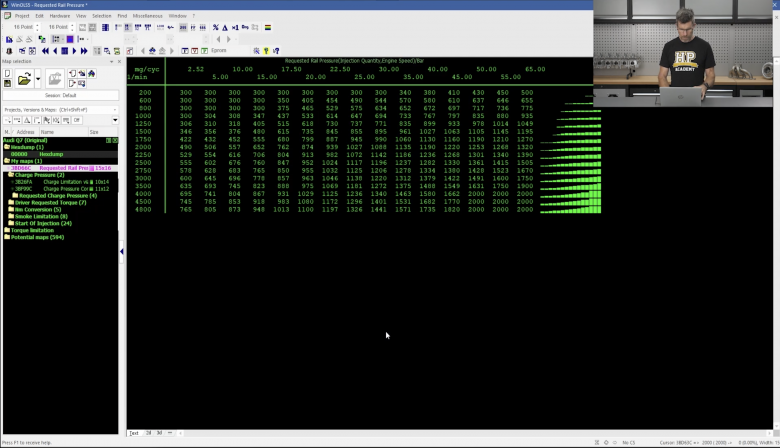
Rail Pressure
Rail pressure target is controlled by a table labelled Rail_pSetPointBase, typically a 16x16 table with engine speed on the Y axis and injection quantity on the X axis. The Z axis represents the target rail pressure in hectopascals. This can be divided by a factor of 10 if you prefer to work in bar. Rail pressure limitation is handled through a combination of additional tables and single value limiters.
Injection On-Time
The injection on-time tables InjVCD_ti are typically the largest and easiest maps to locate within the EDC17. They represent the duration the injector needs to remain open to deliver the requested fuel quantity. The Y axis is requested injection quantity, the X axis is rail pressure, and the Z value is the injector on-time. These tables serve as a reference map translating fuel quantity and rail pressure into a physical injector command, rather than being a primary tuning target themselves.
How To Use This Knowledge
Understanding this logic flow means every change you make when defining your maps is deliberate and traceable back to a specific point in the ECU's decision-making process. Defining a file correctly is what makes everything that follows possible. The WinOLS Mastery course walks you through the full EDC17 map identification and definition process across 6 easy to follow and structured steps:
- Bench Read ECU
- Create New Project
- Understand What Maps Are Required
- Find and Define Maps
- Optimise Tune
- Write File To ECU
When a vehicle comes across your bench, you'll have a repeatable process for getting the file tuning-ready. Enrol now, lifetime access.