We all want a ‘hot setup’. You know, the one where the car just feels dialled in and makes you believe you’re a god behind the wheel.
You can't fix what you can't measure, and when you finally find that hot setup, how do you keep track of it? Are you still using pen and paper? Or some mix of Excel spreadsheets, scrappy notes, and Google Keep?
I knew there had to be a better way, and that’s why I created Hot Setup. It needed to be fast and easy to use when you’ve only got one hand free, are covered in oil and sweat and have five minutes before the next session.
Here's how it works and how it can help you go faster on track.
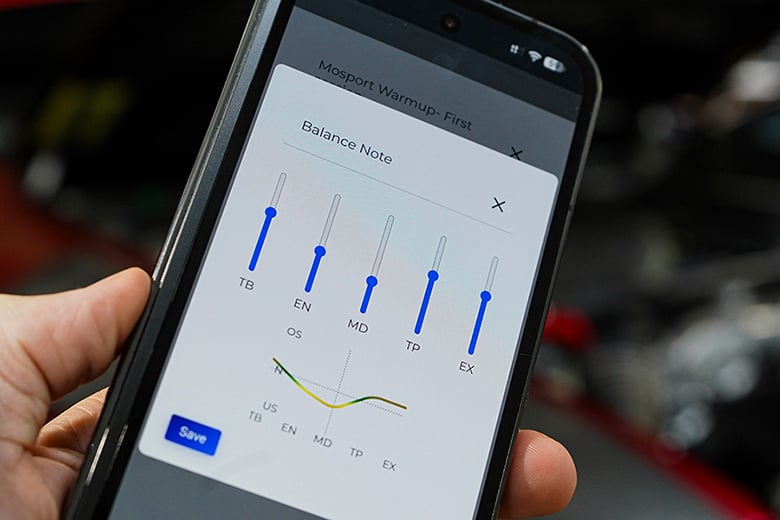
Hot Setup’s balance note functionality
Recording and Managing Race Car Setups
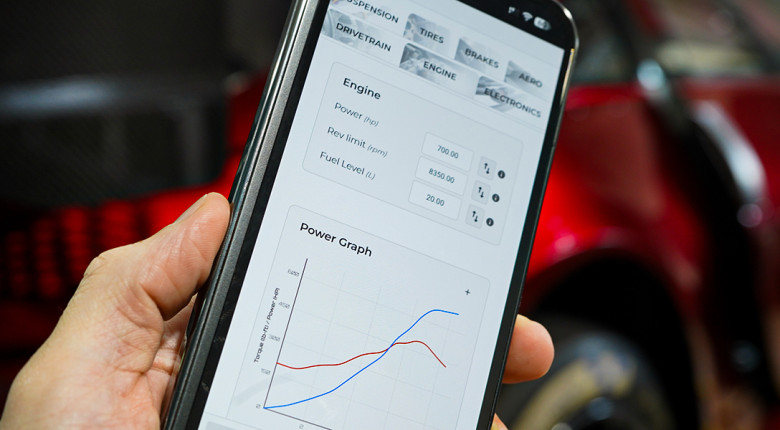
The app starts with the basics, allowing you to record a specific setup in a video-game-like environment. The vehicle can be customised to match the exact parameters you can change on your car, with no compromises.
Beyond making the app fast and easy to use, we considered every feature that could add value at the track.
This includes engineering tools such as a tyre size calculator and vehicle ride stiffness calculator, along with track maps, corner-by-corner notes, balance graphs, real-time weather data, lap timing, and even an excuse generator for when things go wrong.
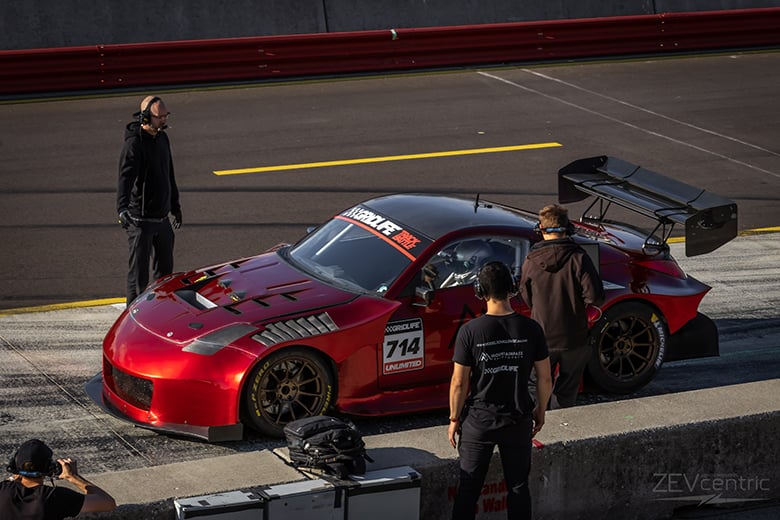
Sasha’s Z33 Nissan 350Z hybrid race car, Kels
Team Collaboration
One new feature I’m excited about is Team Collaboration. With this, you can invite any other Pro user to collaborate on the account and assign that user a specific colour. This means a mechanic or engineer can make changes to a setup sheet, and each cell they adjust will be identified by their colour.
There’s no more need to pass notes between the mechanic and engineer. The mechanic can enter the data directly, allowing the engineer to focus on finding speed rather than boring data entry.
The app has everything I need for Kels, which means it likely has everything you need, too. If it doesn’t, let us know and we’ll add it.
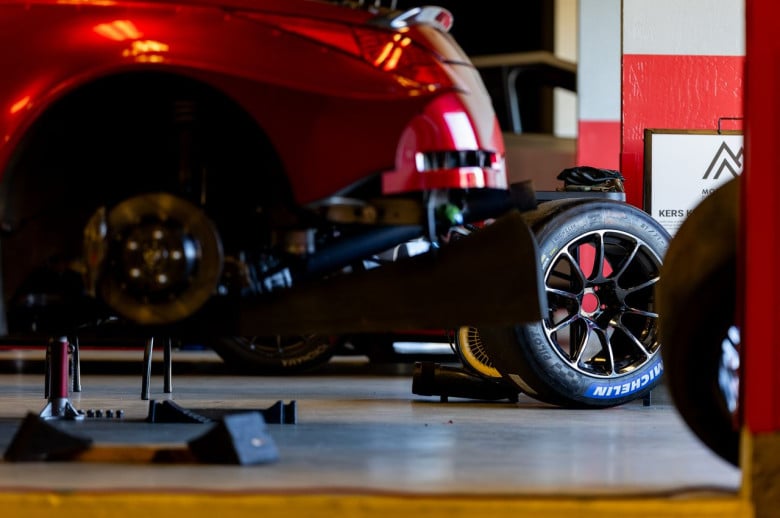
How to Use Hot Setup
So, how do you use Hot Setup? As hard as one tries to make a piece of software intuitive, there is always somewhat of a learning curve. For that reason, the app has built-in YouTube tutorial videos. As soon as you start a free trial, you’ll be presented with a series of simple videos covering the basics.
In a nutshell, the workflow is quite simple. You start by creating a vehicle, which can pre-populate the setup fields based on common vehicle types, such as TCR, GT3 cars and more.
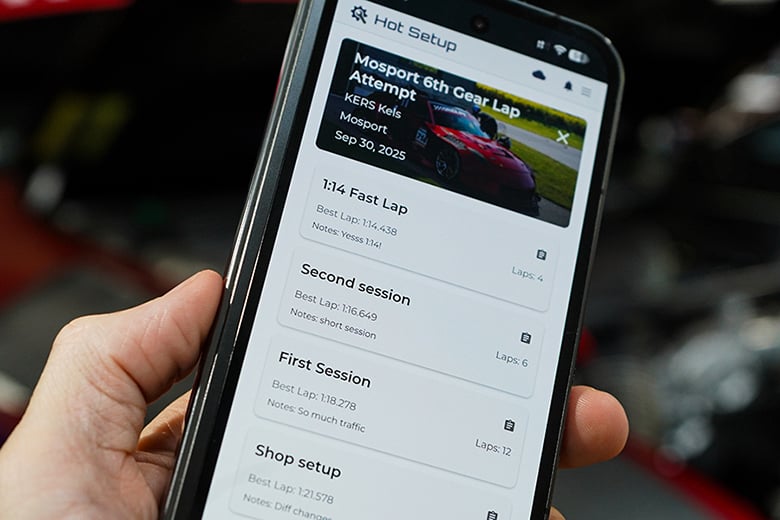
Hot Setup session times
After entering the vehicle, you can create your own groups, each containing a parameter that you want to track.
You can track the parameter as an individual value, such as rear wing angle; across all four corners, such as damper compression; or by front/rear or left/right values.
Inside the parameter editor, you can also define the adjustment range and the “step”, which determines how much the value changes when you swipe the adjuster in the app.
Once the vehicle is set up, you create an event and a session.
This is where you can open the setup sheet and start entering the setup data for that session. On mobile, you can quickly select the adjuster button and swipe it up or down to reach your target value with no typing required.
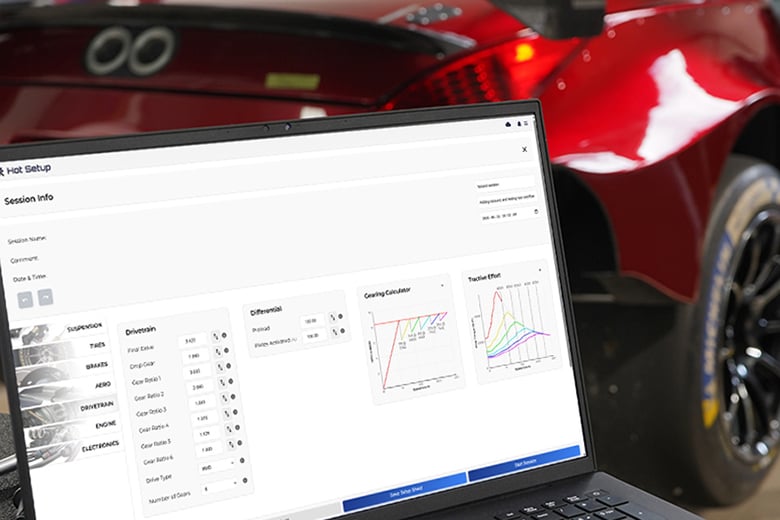
Hot Setup can also be used on a laptop
Once you’ve recorded your setup, you can start the session and record lap times, weather data, and notes relating to that session. You can also open the track map and add corner-by-corner notes, as mentioned above.
Comparing Sessions and Tracking Tyres
Once you have recorded multiple sessions or events, you can compare them or create a new session based on a previous one. For example, if you’re returning to a specific circuit a year later, you can create a new session using the previous year’s setup as the baseline.
There is also a circuit manager where you can add your own circuits if our database doesn’t contain the track you’re looking for.
Pro users also have access to a tyre manager, where you can track exactly how many laps each tyre has completed and which corner of the car it has been fitted to.
The calculators section currently includes a brake bias calculator, tyre size calculator, alignment angle-to-distance converter, and wheel rate calculator, with more tools being added all the time.
Hot Setup for Motorsport Workshops
The app isn’t limited to racetrack setup work, either. If you run a workshop that regularly performs corner weighting or wheel alignments, it provides a useful way to record the settings applied to each customer’s car.
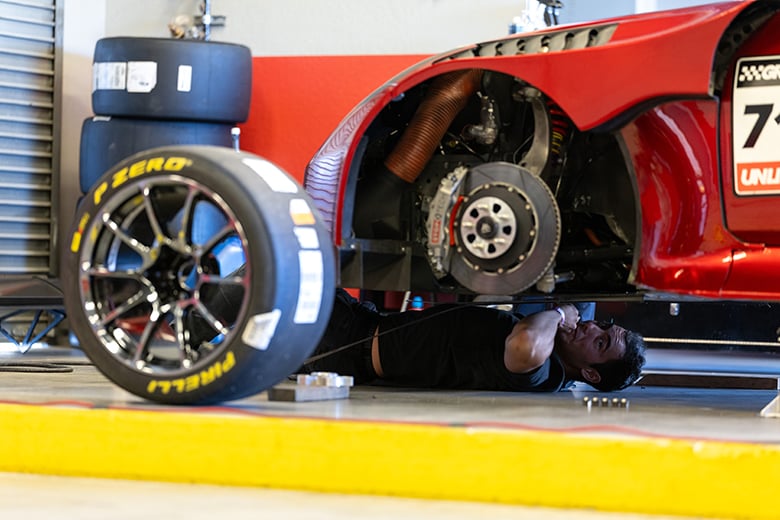
Hot Setup makes tracking changes to your race car setup fast and easy
Try Hot Setup
I hope Hot Setup helps you find and hold on to that magical setup. Please share how you use it throughout your motorsport journey with us.
If you’d like to try the app, you can start a free trial at hotsetup.app, with no credit card required. We recently used it at Mosport with Kels, and it puts a smile on my face every time.