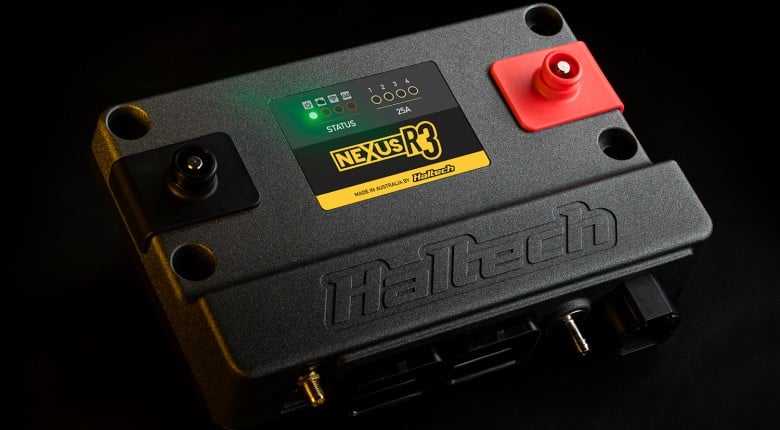
If you're running a modern Haltech Nexus ECU or VCU, the Haltech Connect App gives you a way to wirelessly interact with the ECU from your smartphone or tablet.
For tuners and car owners, the appeal is obvious: real-time ECU data, diagnostic trouble code checking, basic gauges and selected setup changes without always needing to pull out a laptop.
That said in our opinion this is not a replacement or faster than a laptop-based tuning workflow, and it shouldn't be treated like one. The app is best viewed as a convenient support tool, while Haltech NSP on a laptop remains the better option for serious tuning, calibration work and detailed setup.
The app is available for both Android and iOS device owners.

What Is The Haltech Connect App?
Haltech Connect is a mobile app that allows compatible Haltech Nexus ECUs and VCUs to connect wirelessly to an Android or iOS phone or tablet. Once connected, users can view ECU channels, monitor live data, read and clear diagnostic trouble codes (DTCs), check configuration errors and make selected changes.
What Can You Do With Haltech Connect?
The Haltech Connect App is aimed at quick access and convenience rather than replacing the full NSP tuning package. Depending on your ECU, firmware and configuration, the app can be used for tasks such as:
- Viewing real-time ECU data.
- Setting up basic gauges on your phone or tablet.
- Reading and clearing diagnostic trouble codes.
- Checking configuration errors.
- Assigning wiring.
- Adjusting selected parameters.
- Accessing the Rebel LS setup wizard for initial configuration.
Which ECUs Are Supported?
According to Haltech, the app is designed for Wi-Fi enabled Nexus hardware and currently supports the:
Pre-Nexus Haltech ECUs, including the Elite and Platinum series are not supported, simply because they do not have the required wireless communications hardware.
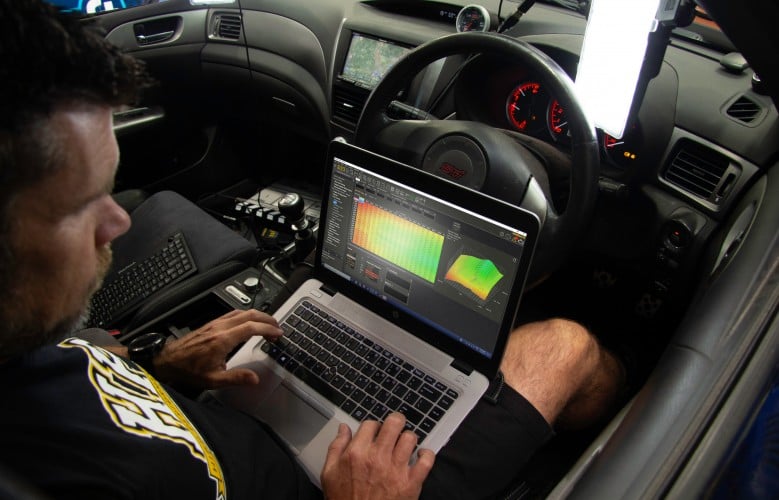
Can You Tune Without a Laptop?
App Vs Laptop: Which Should You Use? Is the app just a gimmick, or has technology moved past needing a mouse and keyboard?
The ability to access your ECU from a phone is useful, but it is important to be realistic about where a mobile app fits into the tuning process. At HPA, we still prefer a laptop for any serious tuning work.
| Option | Pros | Cons |
|---|---|---|
| Haltech Connect App | Quick access, wireless connection, easy live data checks, useful for clearing DTCs, convenient for trackside or garage troubleshooting, no laptop required for basic tasks. | Smaller screen, less control, less efficient for serious calibration changes, not ideal for large table edits, harder to review multiple channels or tables at once. |
| Laptop with Haltech NSP | Best for full tuning work, larger screen, better data visibility, easier map editing, more efficient workflow, better suited to dyno + road tuning and detailed calibration changes. | Less convenient to carry around, needs more setup space, not as quick for simple checks or basic monitoring. |
For quick checks, fault code investigation or a simple look at live data, the app makes a lot of sense. If you're at the track and want to confirm a sensor is reading correctly, check a diagnostic trouble code or look at a basic channel value, pulling out your phone is obviously faster than setting up a laptop.
If you're using a platform like the Rebel LS, the app will also help you do the basic setup and base map building via a calibration wizard.
However, when it comes to tuning from stratch, a laptop is still the right tool. The larger display, full NSP interface, better table visibility and more controlled workflow make a laptop far more suitable for fuel, ignition, boost, idle, drive-by-wire and transient tuning work.
In short, the Haltech Connect App is a fantastic companion to NSP, not a replacement for it.
How Do You Tune A Haltech ECU?
Tools like Haltech Connect and NSP tuning software are only useful if you understand what the ECU data means and how to make accurate tuning decisions from it. If you want to build that understanding, start with HPA’s EFI tuning courses and learn the fundamentals behind fuel, ignition, boost control, data analysis and safe tuning workflow.
Do You NEED The Haltech Connect App?
If you have a Haltech Rebel or Nexus ECU, get the app. It's free, and it will be handy to have the app ready to go IF you need it rather than trying to set it up WHEN you need it.