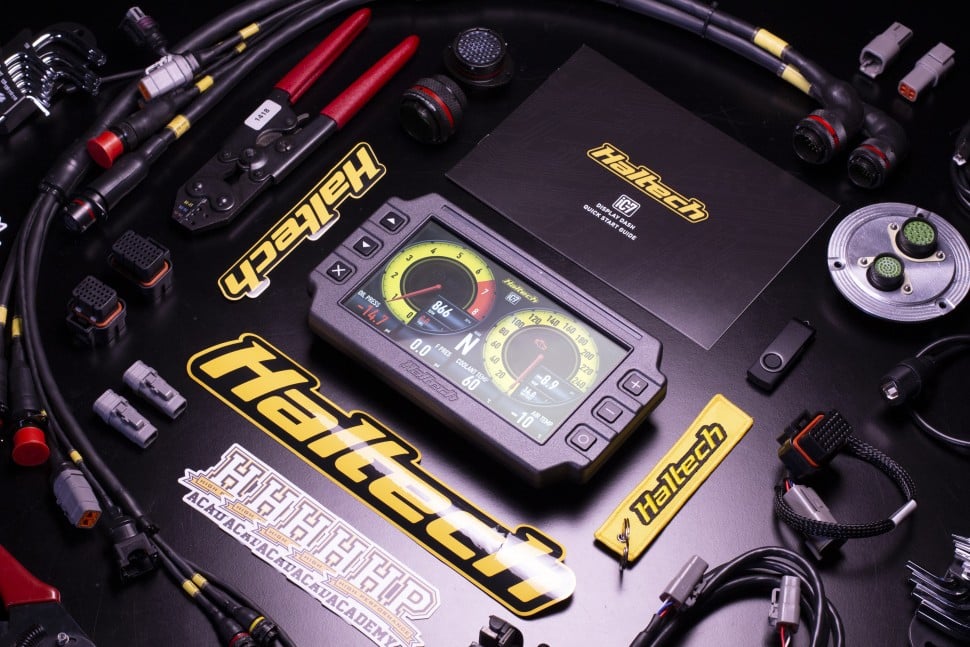
When it comes to EFI tuning tools, it might surprise you that a good tuning laptop is surprisingly easy to choose.
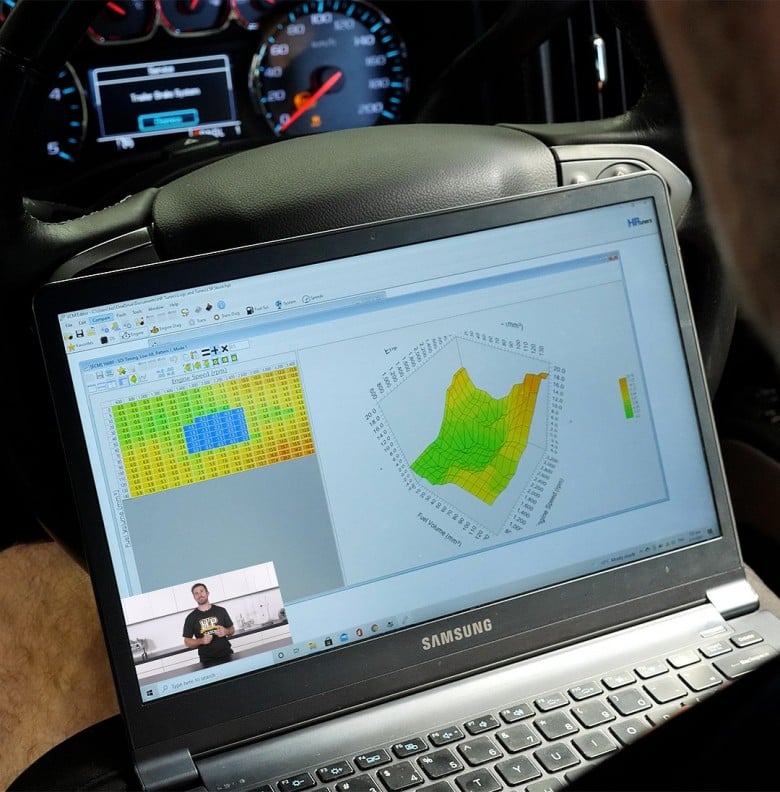
When it comes to EFI tuning (diesel, gasoline or ethanol blends), the laptop sitting on your passenger seat doesn't need to be a powerhouse. In fact, spending big on a high-spec machine is one of the easiest ways to waste money before you've even plugged into an ECU. What matters is getting the right type of laptop, not the most expensive one.
In this article: Does It Need to Be Powerful? | Why MacOS Won't Work | The Case for an SSD | USB Ports and Battery Life | What We Recommend | Windows Version Compatibility
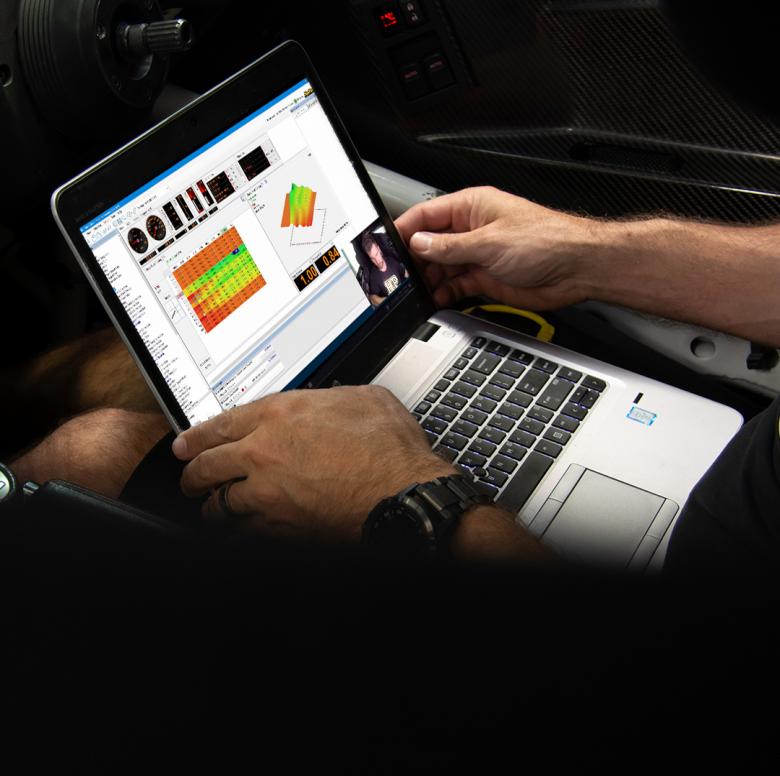
Does A Tuning Laptop Need A Lot Of Power?
EFI tuning software is not particularly demanding. You don't need a fast processor, a dedicated GPU, or large amounts of RAM to run it effectively. The honest reality is that tuning is actually quite hard on laptops physically, and after a couple of years of dyno or road tuning use, vibration, and heat cycles will take their toll on even a well-built machine. That's exactly why it makes sense to buy something affordable that you aren't going to lose sleep over if it gets damaged or worn out.
Budget refurbished laptops in the $200-300 range are genuinely capable of handling the job, and plenty of working tuners rely on exactly that with replacements every 2 or so years.
Can I Use MacOS or Linux?
Most EFI tuning software is built for Windows OS, and MacOS is not a viable platform for running it natively. While it is technically possible to run Windows on a Mac via dual-boot solutions like Boot Camp, VMware or Parallels, this adds unnecessary complexity and introduces potential compatibility headaches you simply don't need in a tuning environment. An example of this is the face most interface devices need speciifc drivers which can play up when trying ot use a virtual version of Windows on MacOS or Linux.
HPA's straightforward recommendation is to start with a Windows machine and avoid the workarounds altogether.
It's also worth noting that Chromebooks are not a suitable option in our opinion. They don't run Windows, which is a hard requirement for almost all EFI tuning software.
What Hard Drive Do I Need?
This is the one area where you shouldn't compromise. A solid state drive (SSD) is far more resistant to failure from vibration than a conventional hard drive, and vibration is something a tuning laptop is going to experience regularly, whether that's on a dyno or on a road tune. Data loss from a failed hard drive is a real and frustrating problem, and it's easily avoided by choosing a laptop with an SSD from the start.
Some budget laptops don't come with an SSD as standard, but in many cases you can purchase a compatible SSD separately and upgrade the machine yourself. It's a worthwhile investment even if it adds a small amount to the overall cost.
As for size, tuning files are tiny. Whatever the standard SSD size is, that will be all you need.

USB Ports and Battery Life
You'll need at least two USB ports. One for connecting to the ECU, and at least one more for tuning accessories such as a wideband controller or data logger. Some tuners prefer to have even more available, so it's worth checking the port count before you buy. If your chosen laptop is short on ports, a USB hub can solve the problem, though fewer cables is always cleaner.
Battery life is equally important if you're tuning on the road rather than on a stationary dyno. The last thing you want is your laptop dying mid-tune. Look for a machine with solid battery capacity, and if you're buying refurbished, consider replacing the battery early since older batteries often hold significantly less charge than when new.
You do not want your laptop or vehicle battery to go flat while downloading or uploading data as that can brick the ECU.
What We Recommend
For a reliable, durable option that can handle the demands of regular tuning use, a Lenovo ThinkPad is a strong choice. ThinkPads have a well-earned reputation for build quality and longevity, they're widely available secondhand at reasonable prices, and replacement parts are easy to source if something does fail.
If you want to spend even less, a budget Lenovo, Dell or HP laptop from a refurbished seller is a perfectly practical option for getting started. Unlike a laptop for CAD tasks, you're not buying a long-term investment here, you're buying a tool. Keep that in mind and spend accordingly.
What Version Of Windows OS Do I Need?
One thing to check before you commit to a purchase is whether your ECU manufacturer's software is compatible with the version of Windows your laptop is running, as while this won't be a problem for most people, some older ECUs have known compatibility issues with the latest versions of Windows. It's a quick check and it can save you a frustrating troubleshooting session down the line. If in doubt, contact your ECU manufacturer directly and confirm the system requirements before buying.
In summary, choosing the right laptop for EFI tuning doesn't have to be complicated. Get something with WindowsOS, an SSD, a few USB ports, and good battery life. Keep the spending sensible and put the money you save towards the things that actually make a difference to your tunes.